
Samsung Smart Switch Mobile
Free
Rating
3.1
Ratings
224
Version
1.0.17
Size
14.0 MB
Ad
Screenshots







Description
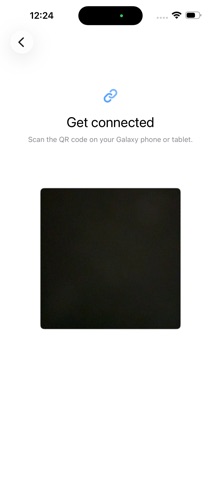
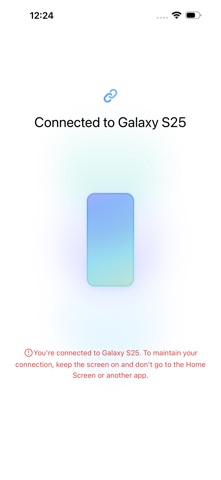
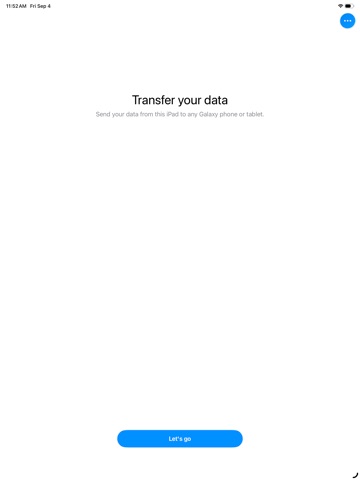
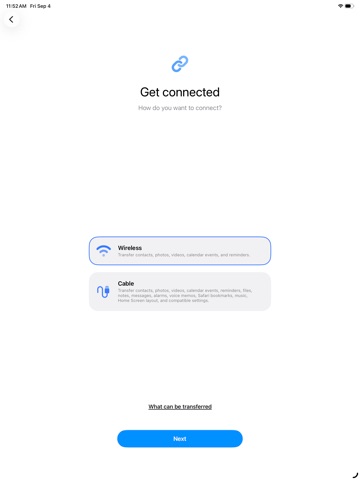
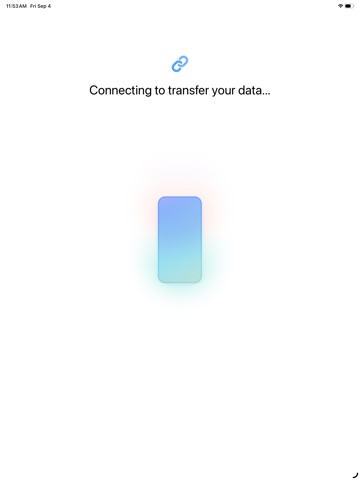
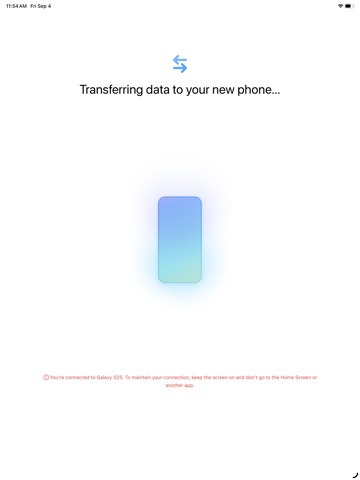
▣ How to easily transmit content from iPhone to Galaxy. Smart Switch can move contacts, calendar events, reminders, photos, and videos to Galaxy devices. * Note: After the data transfer is completed, the data of the sender device is maintained. (Not deleted). ▣ How can I send it? - Search and run Smart Switch in the settings of Galaxy device. - Search and download “Samsung Smart Switch” from App Store and connect and send it according to the guide. ▣ What can I send? - Contacts, calendar events, reminders, photos, videos * You can use the USB connector to send more items when connecting.
What’s New
- Bug fix
Bundle ID: com.samsung.ios.smartswitch
Age rating: 4+
Minimum iOS: 15.0
Languages: SQ, AM, AR, HY, AS, AZ, EU, BE, BN, BS, BG, MY, KM, CA, HR, CS, DA, NL, EN, ET, FI, FR, GL, KA, DE, EL, GU, HA, HE, HI, HU, IS, IG, ID, GA, IT, JA, KN, KK, KO, KU, KY, LO, LV, LT, MK, MS, ML, MR, MN, NE, NB, OR, FA, PL, PT, PA, RO, RU, SR, ZH, SI, SK, SL, ES, SW, SV, TG, TA, TE, TH, ZH, TR, TK, UK, UR, UZ, VI, YO
Released: Jun 10, 2021
Updated: Sep 9, 2026
Ad